Dropdown terminal is a very useful utility that shows a command line terminal in a dropdown popup on the screen just by pressing a button like F12.
These provide easy access to the command line and enhance productivity on Linux Desktop.
There are multiple packages available for Ubuntu and similar distros, that provide a dropdown terminal.
These include Yakuake (for KDE), Guake (for Gnome) and Tilda (for Xfce).
Lets check them one by one.
1. Yakuake
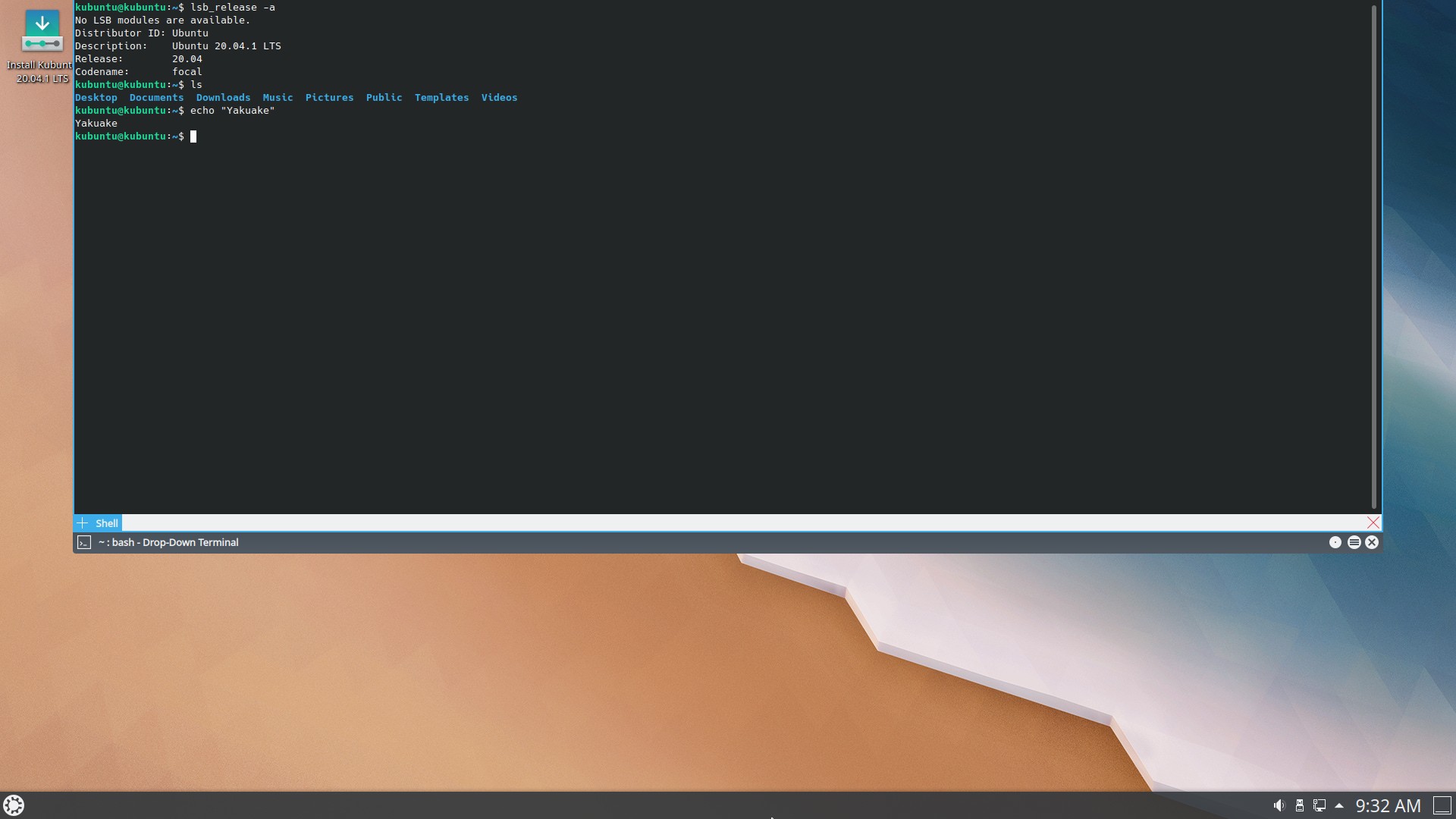
Yakuake is a dropdown terminal for KDE desktop. Pressing the F12 button will bring up the terminal.
Here is a screenshot of Yakuake running on Kubuntu 20.04
Install with the apt-get command
$ sudo apt-get install yakuake
After installation it can be launched from the shortcut in K > System > Yakuake. To add new Session press Ctrl+Shift+N
To autostart yakuake on system boot add it to the list of statup programs in
System Settings > System Administration > Startup and Shutdown > Autostart
2. Guake
Guake (Quake style terminal) is a dropdown terminal application for the gnome desktop.
Here is a screenshot of Guake running on Ubuntu 20.04

Install Guake with the apt-get command.
$ sudo apt-get install guake
Guake also uses the F12 key by default for launching the terminal, and this can be changed in the Guake Preferences program.
3. Tilda
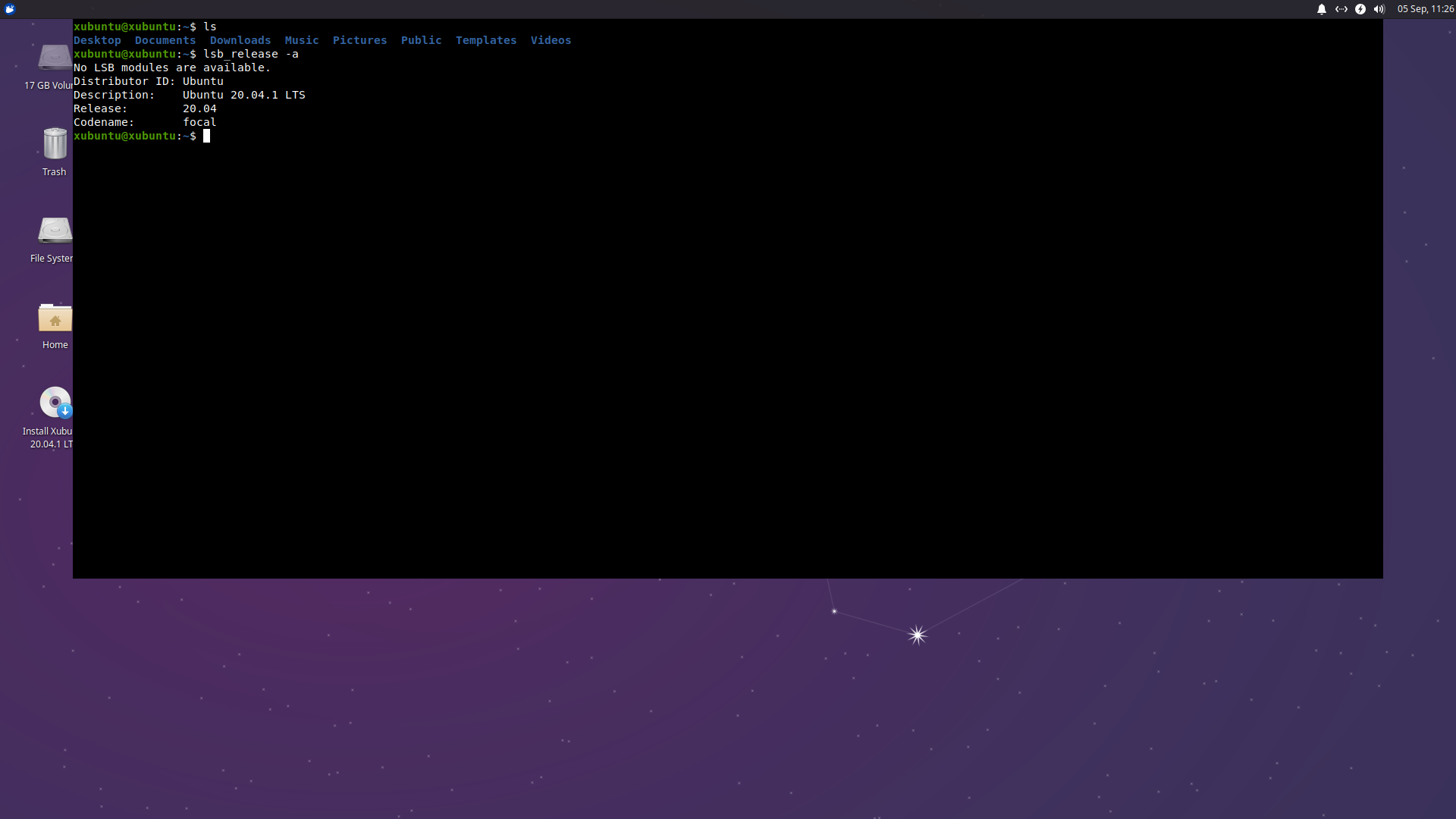
Tilda has a simpler look and is suitable for a desktop environment like Xfce.
Install with the apt-get command
$ sudo apt-get install tilda
Conclusion
The dropdown terminals show at the press of a key and then hide back when you are working with some other application. That way they can continue doing a background task.
Further more you can have multiple tabs inside the terminals get as many shell prompts as needed for your tasks.
If you have any questions or feedback let us know in the comments below.

I prefer to use Yakuake. It works really fine.